GST Invoices
Create professional GST invoices in seconds.
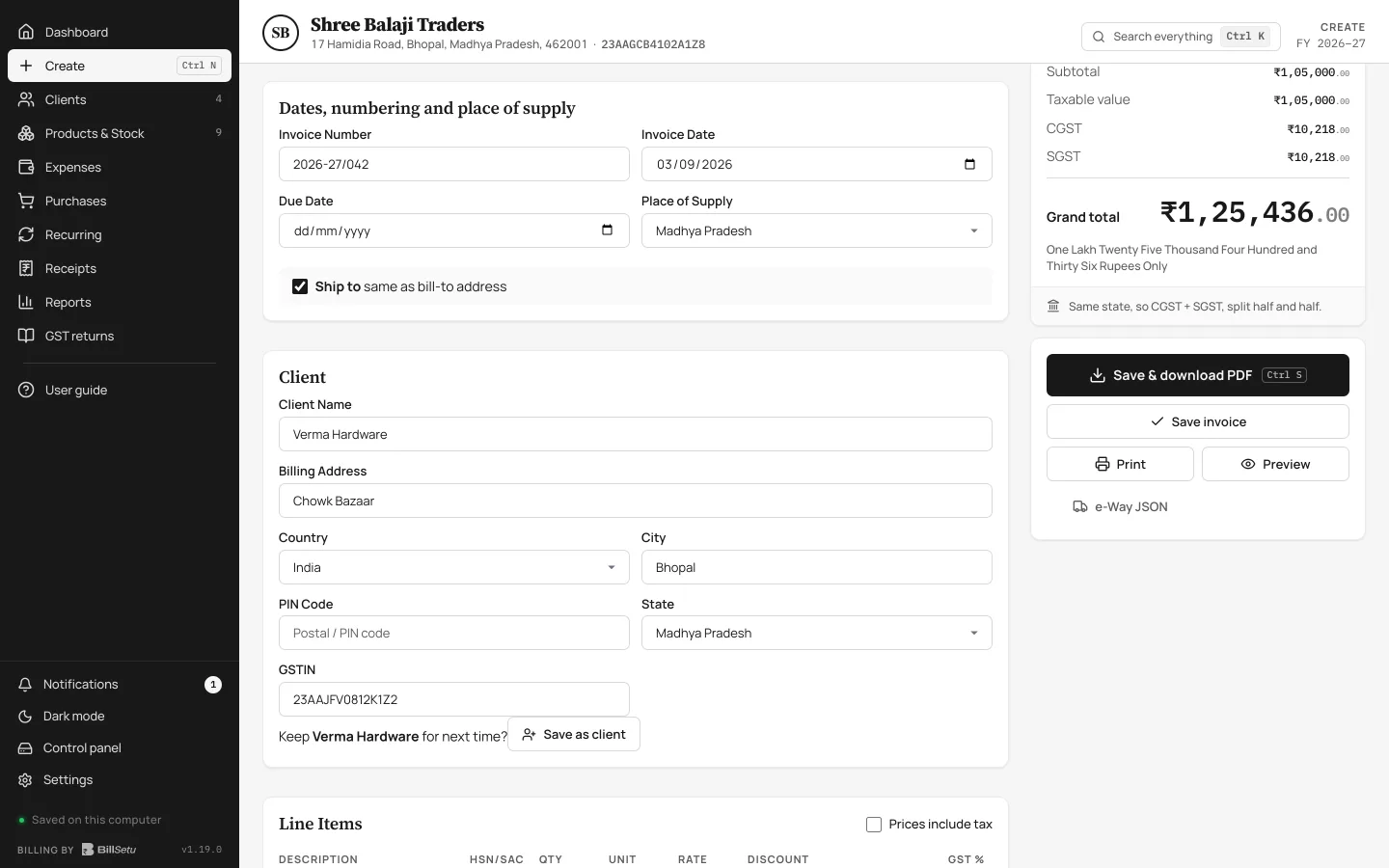
Billing software for Indian businesses
Simple GST billing for Indian businesses, offline-first, private by design, and your data stays in your own Google Drive.
7-day free trial. No card needed.
Simple. Powerful. Yours.
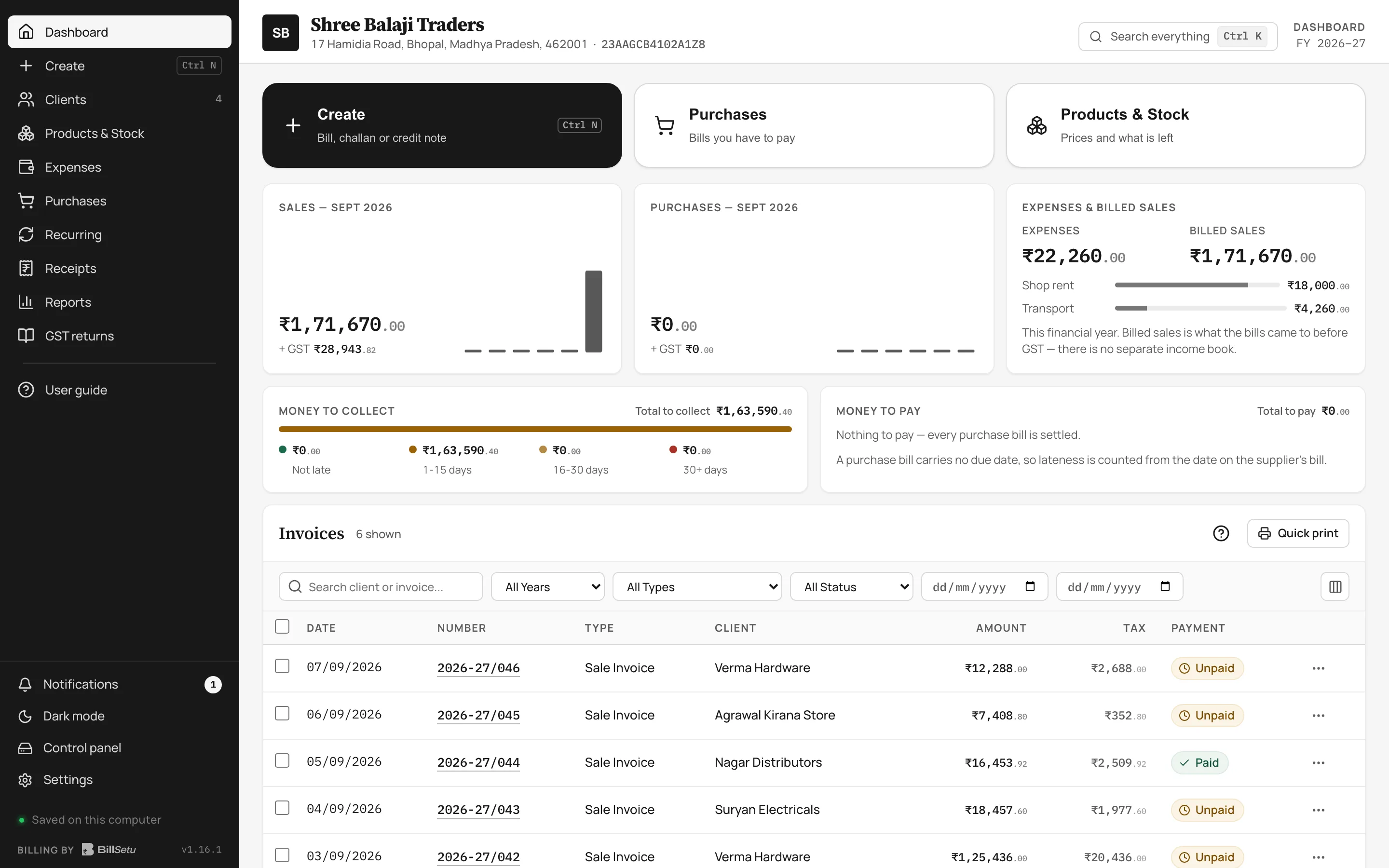
Built for Indian Businesses
Keep billing even without internet.
Your data is stored in your own Google Drive.
We don't keep your business database on our servers.
We don't track your sales, customers or business activity.
Features
A simple, powerful and easy-to-use billing software for growing businesses.
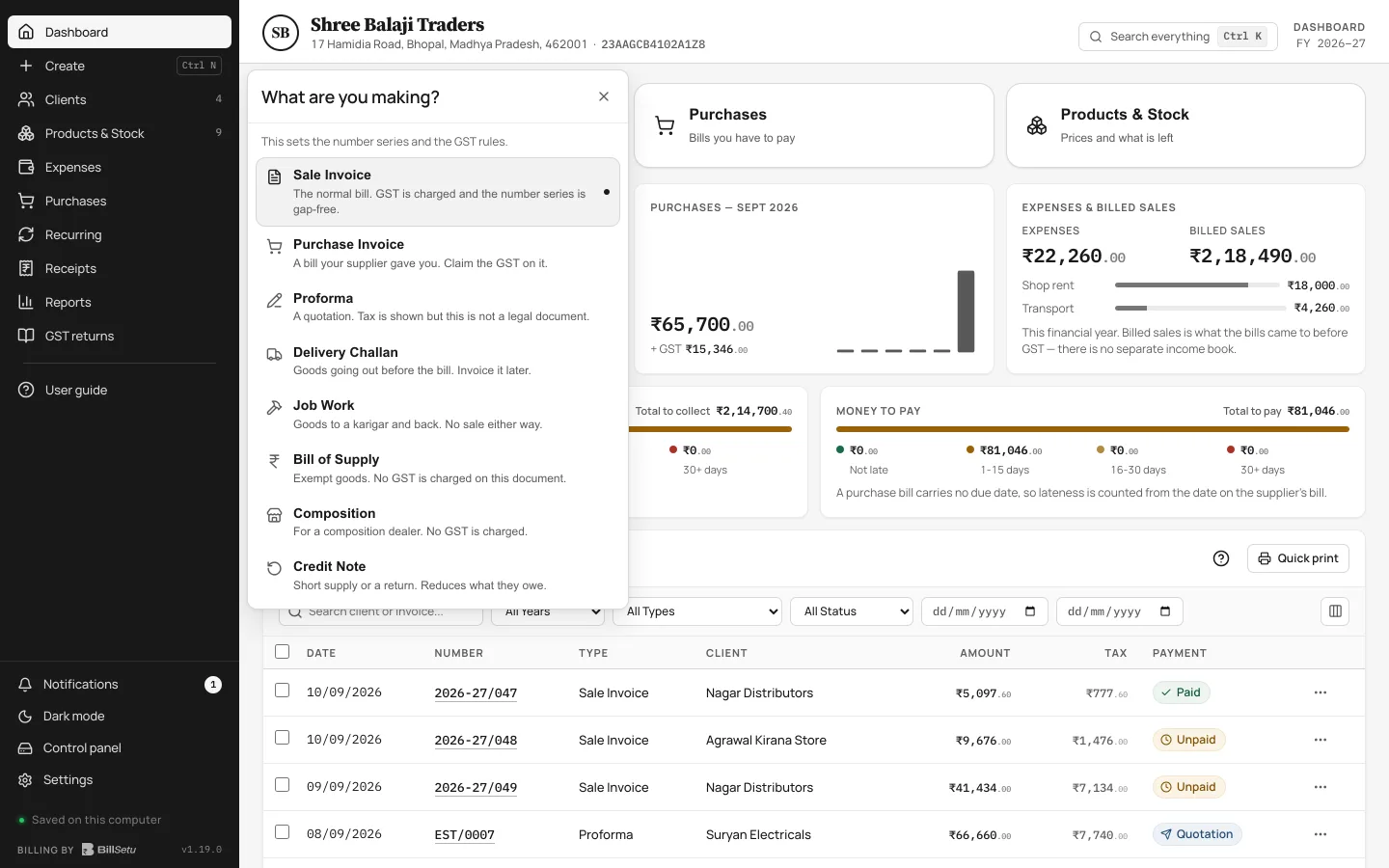
Create professional GST invoices in seconds.
Send quotations to your customers easily.
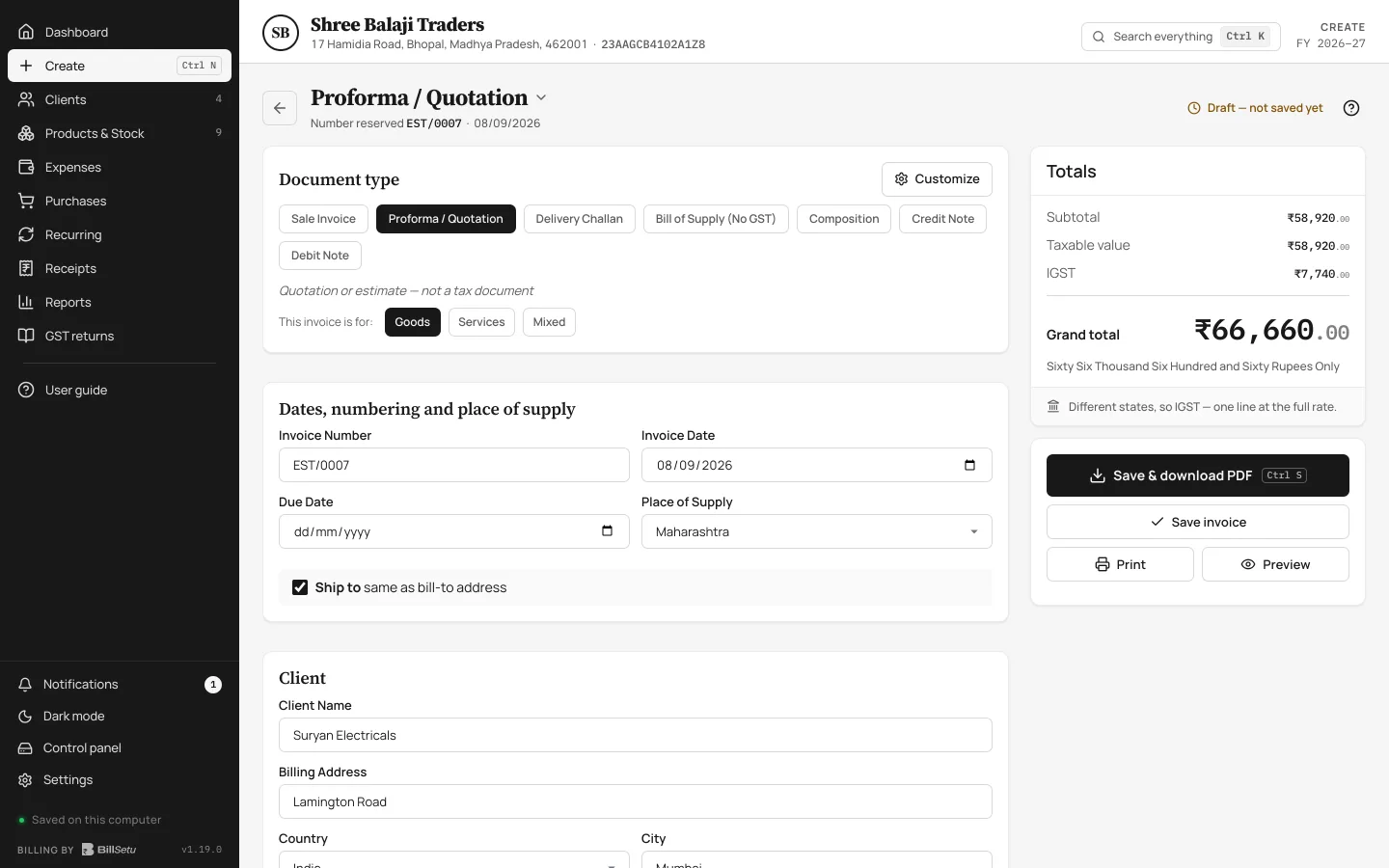
Manage your products and services with ease.
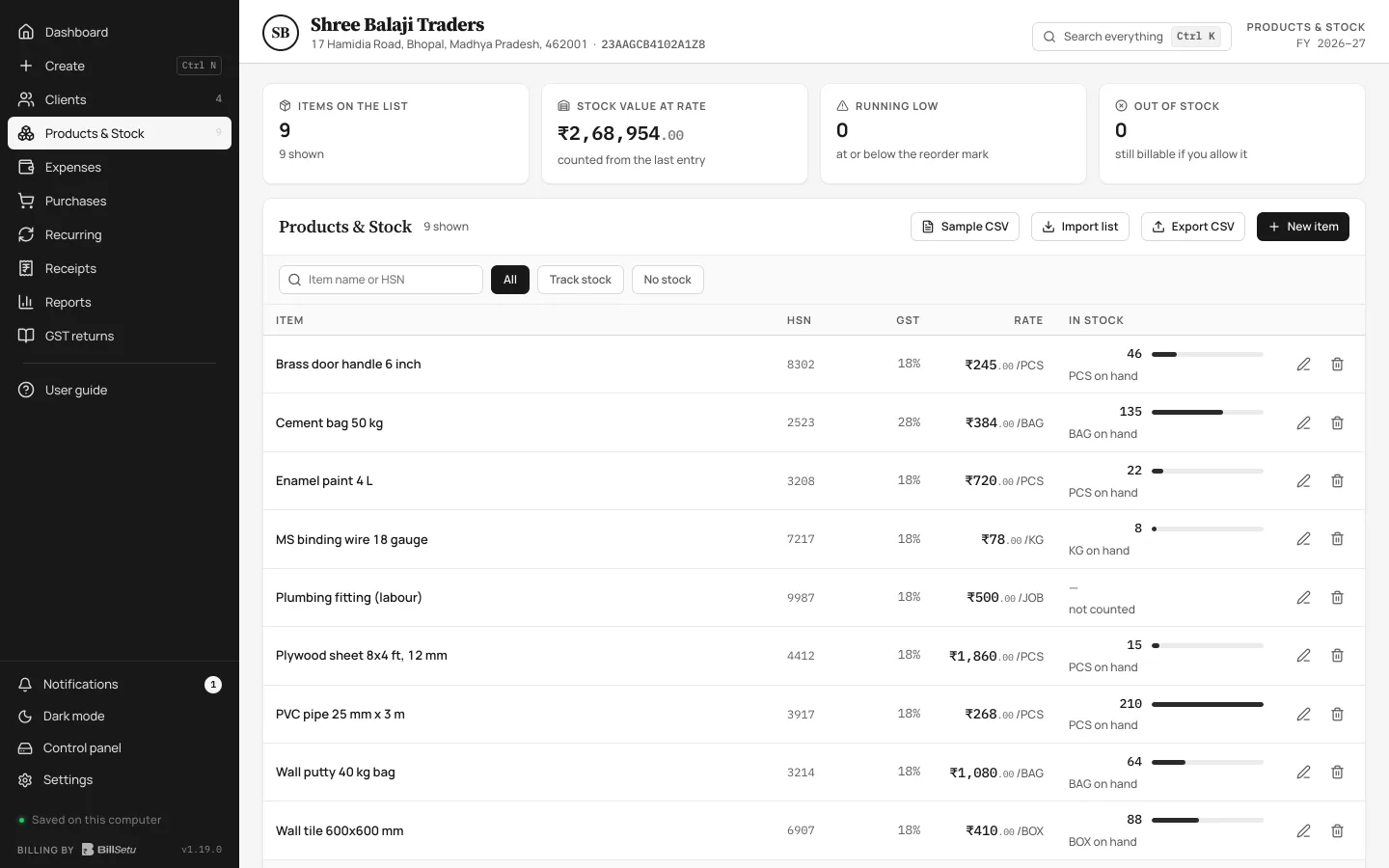
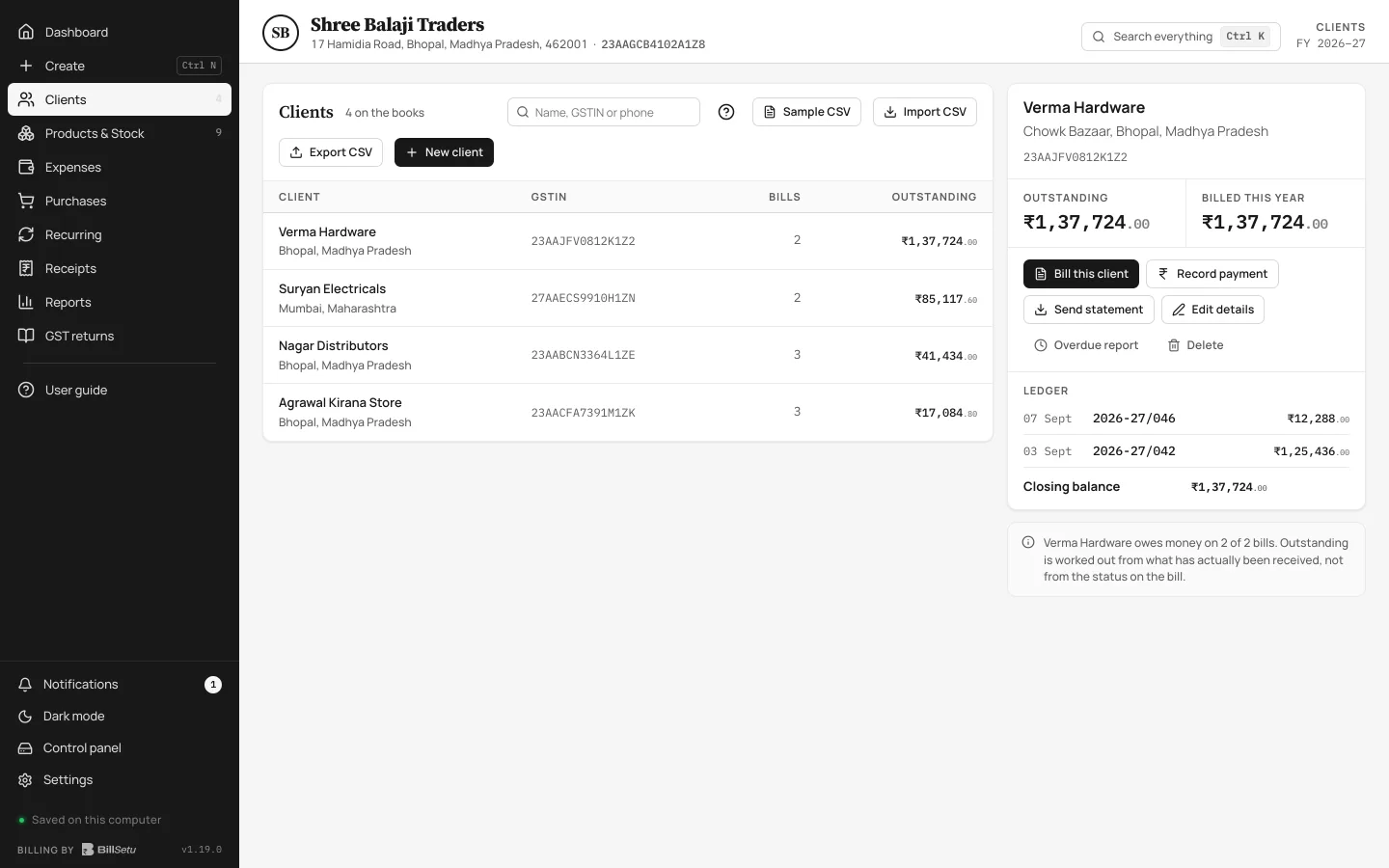
Keep all your customer details in one place.
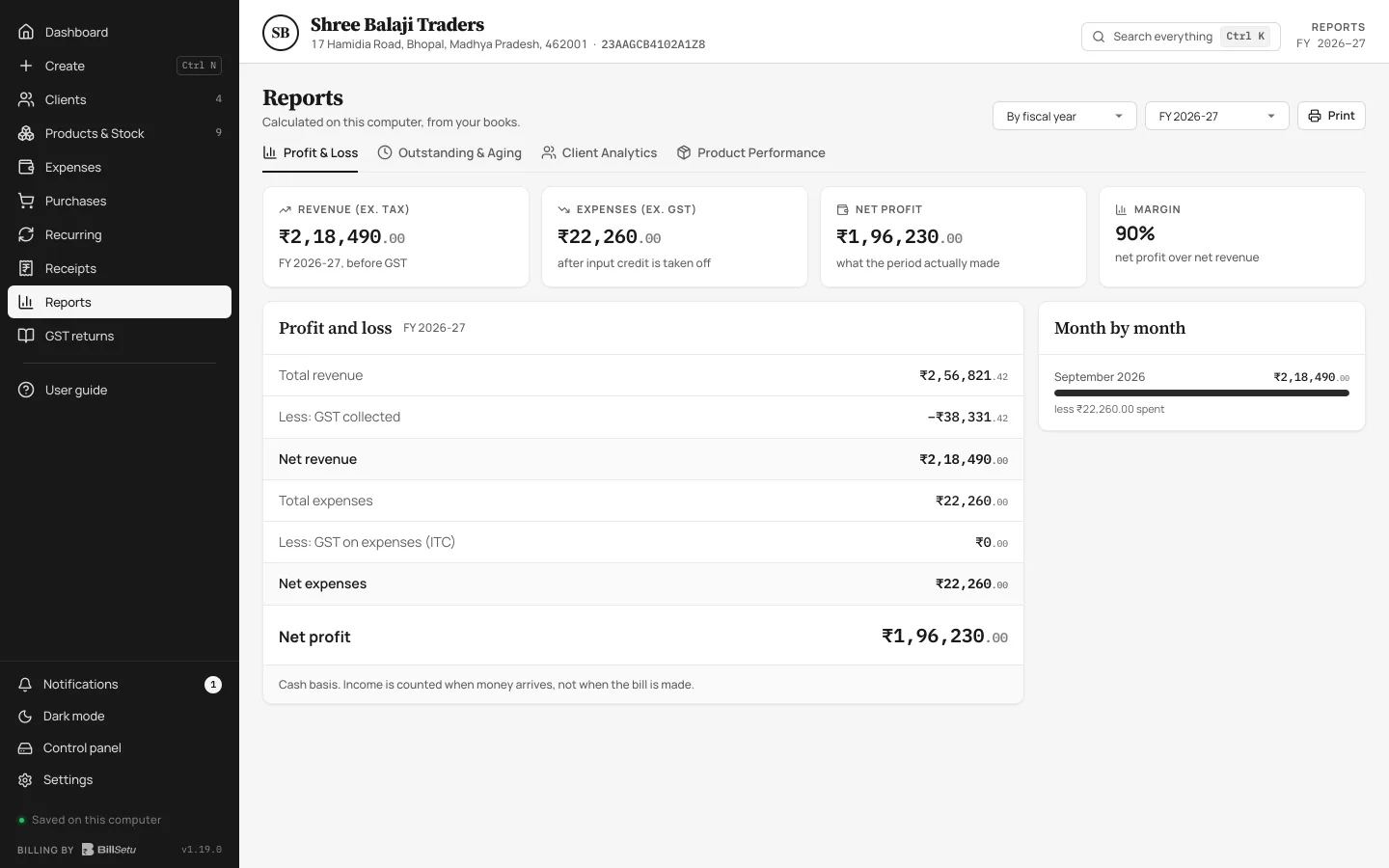
Get detailed reports for better business decisions.
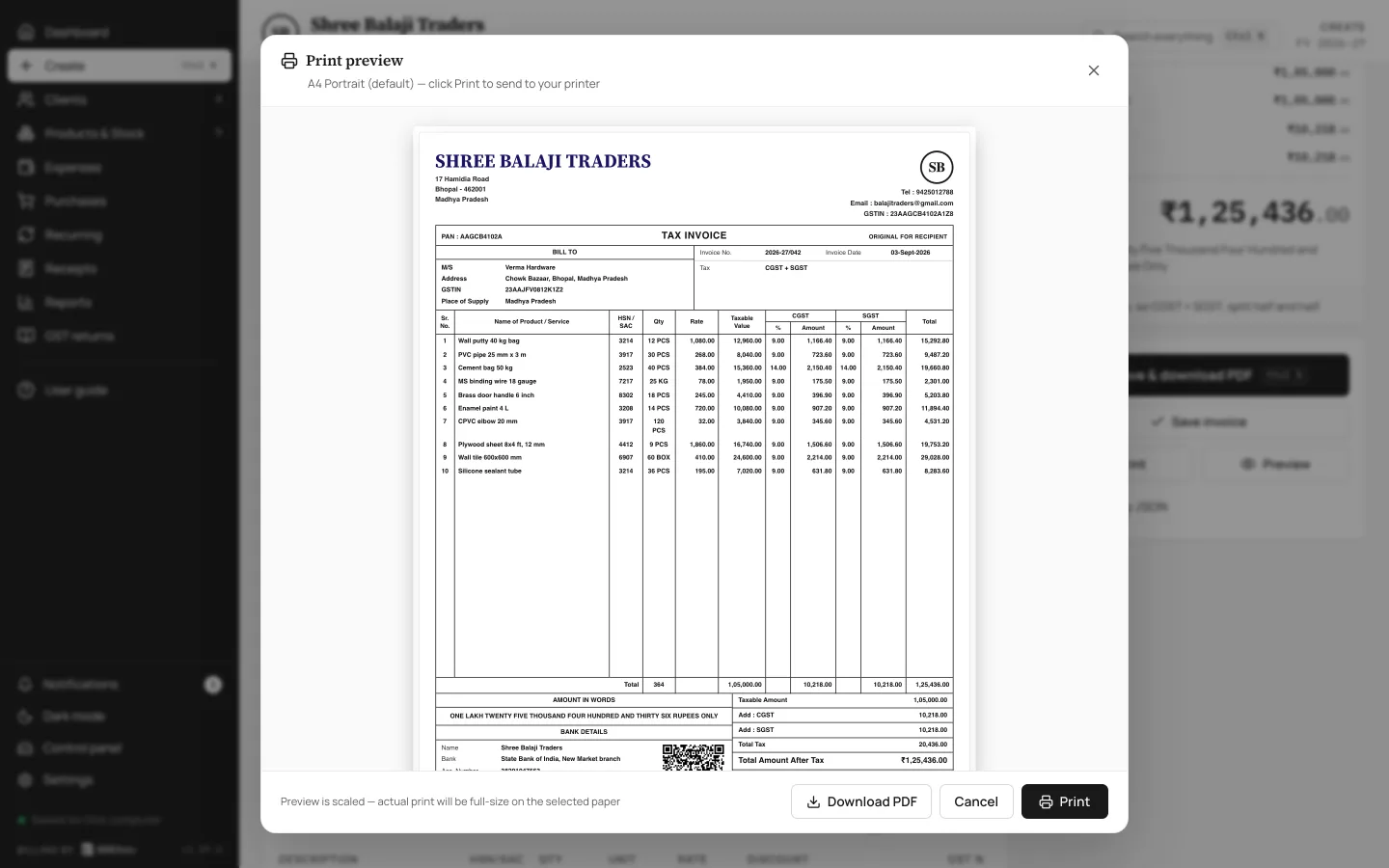
Print or share invoices, estimates and reports as PDF.
Watch BillSetu in action
Take a quick look at how you make a GST bill, print on A4, and track your daily sales.
Your business data is stored in your own Google Drive. We don't keep your business database on our servers, and we don't track your sales or customers.
You can also run BillSetu fully offline. Nothing leaves that computer and no Google account is needed.
Your books never reach our servers. The software sends nothing to the GST department or any government system.
Your Data. Your Control.
 Billing Software
Offline mode
BillSetu works offline, so you can keep billing even without internet. Your data is saved locally and automatically syncs with your Google Drive when you're back online.
Keep Billing. Always.
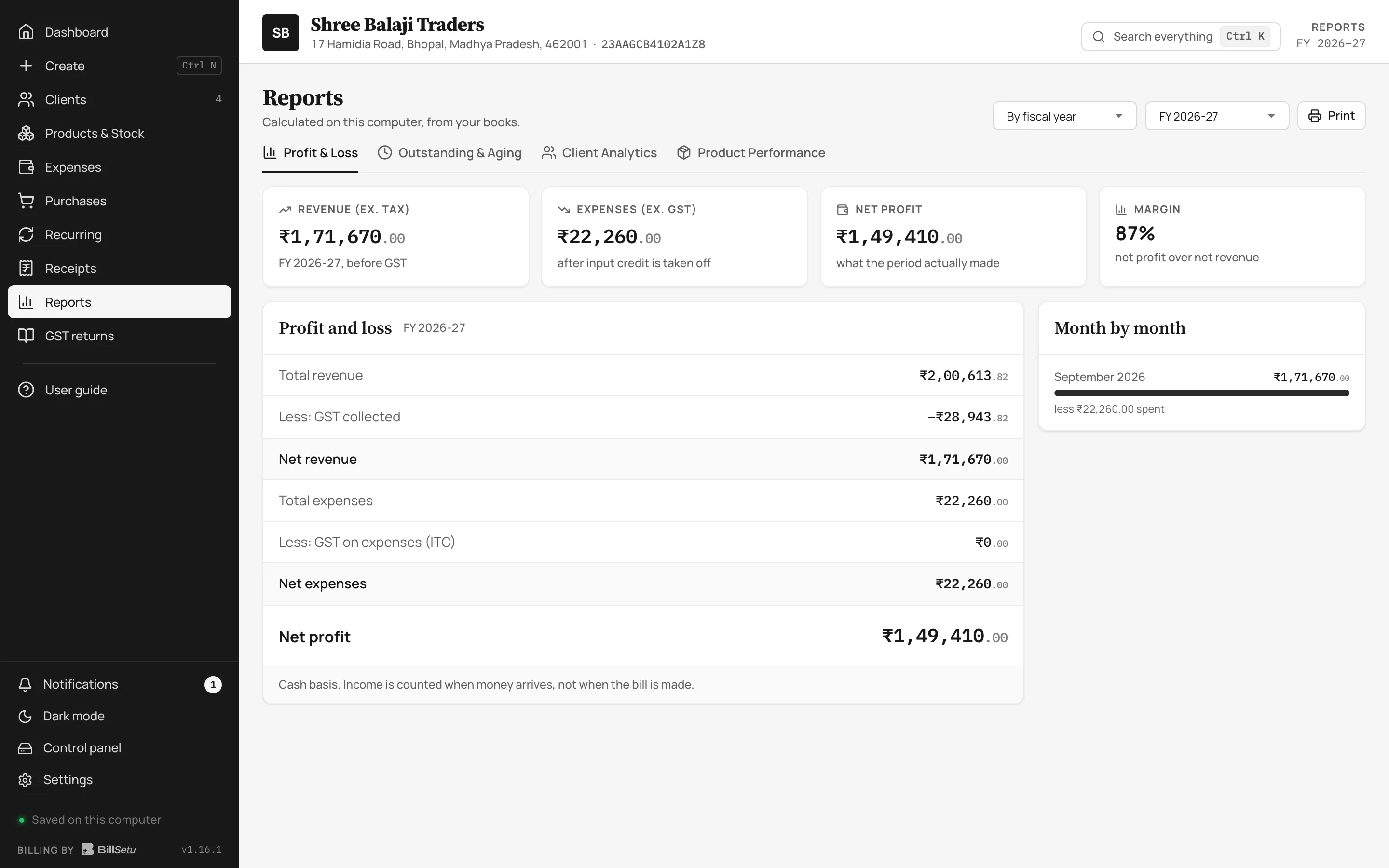
GST ready
Generate GST-compliant invoices, track tax details and get reports, all in a simple and easy way.
Compliant
Simple
Hassle-free
Bill print formats
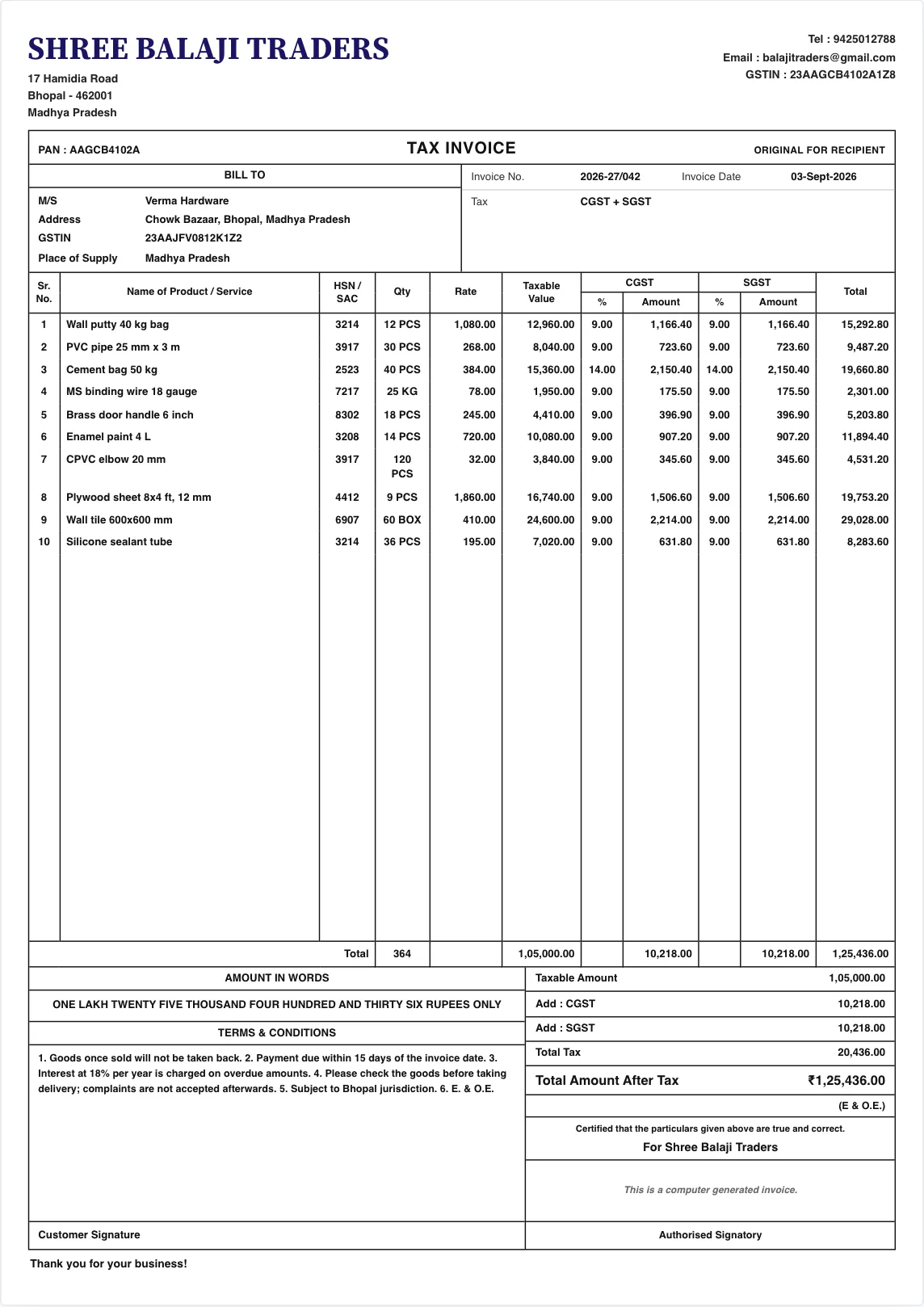
All three show the same bill on one A4 page, with your logo, bank details, UPI QR code, and stamped signature.
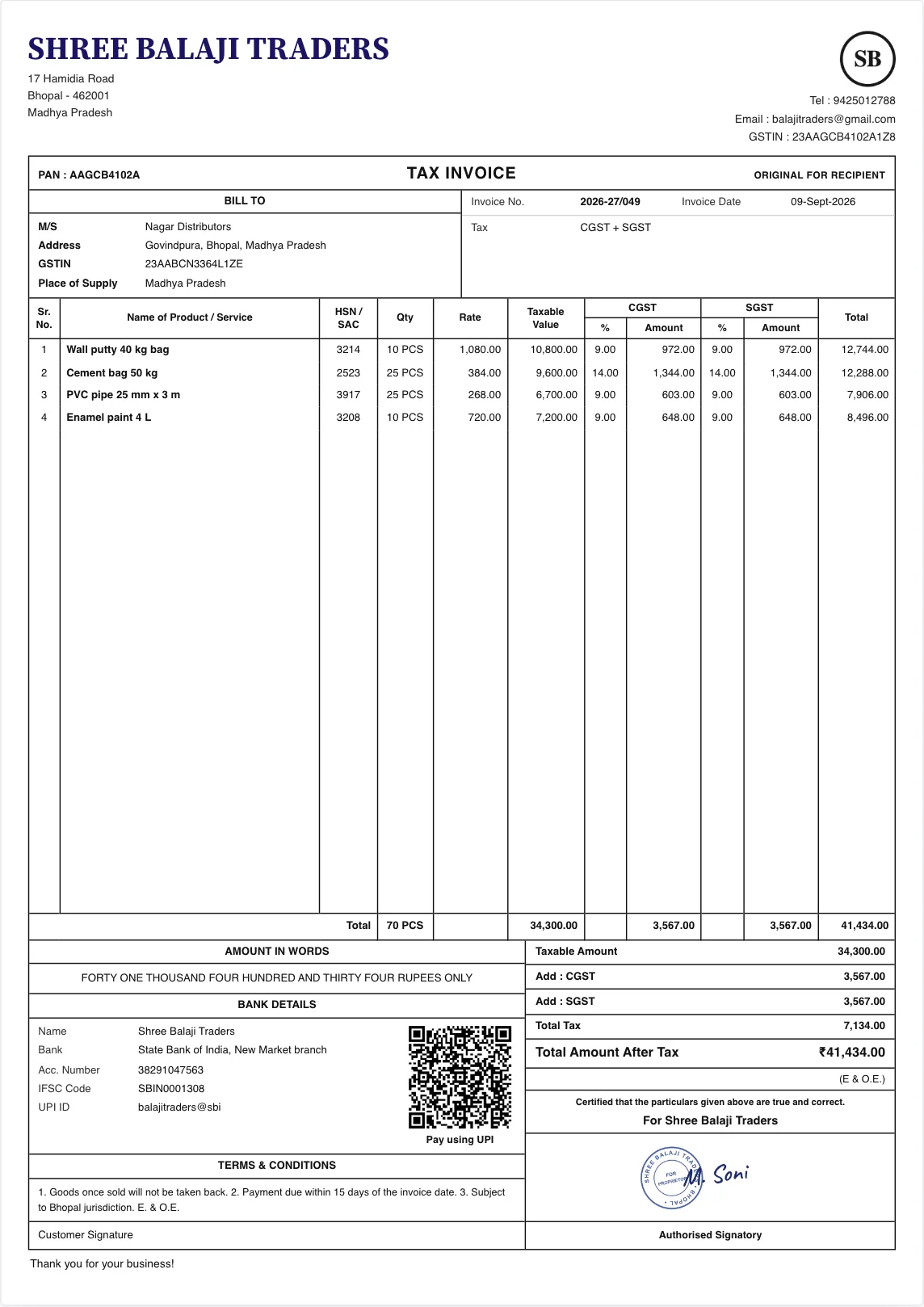
The standard ruled tax invoice sheet that buyers and accountants expect by default.
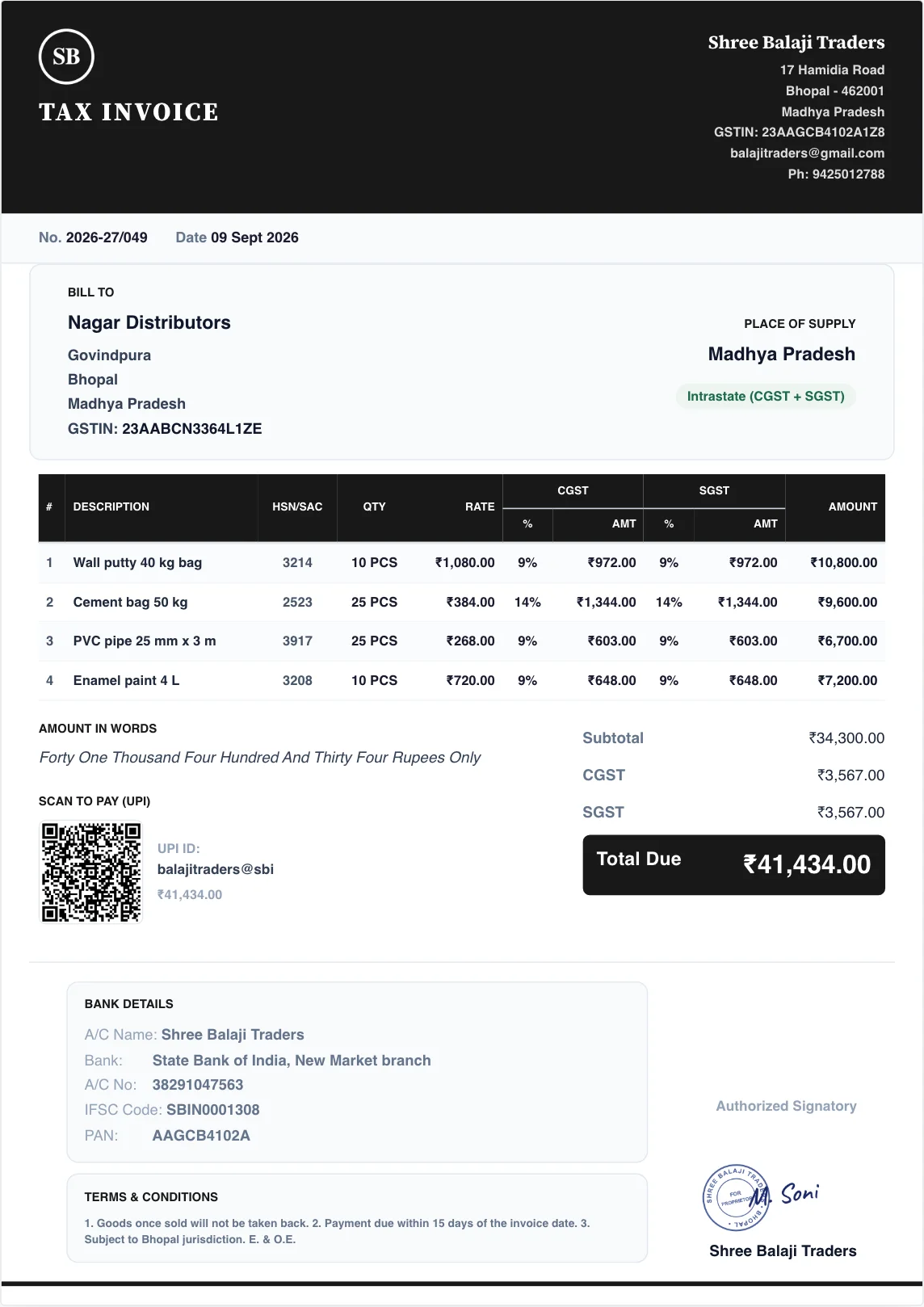
A modern look with a clean dark header band across the top of the invoice.
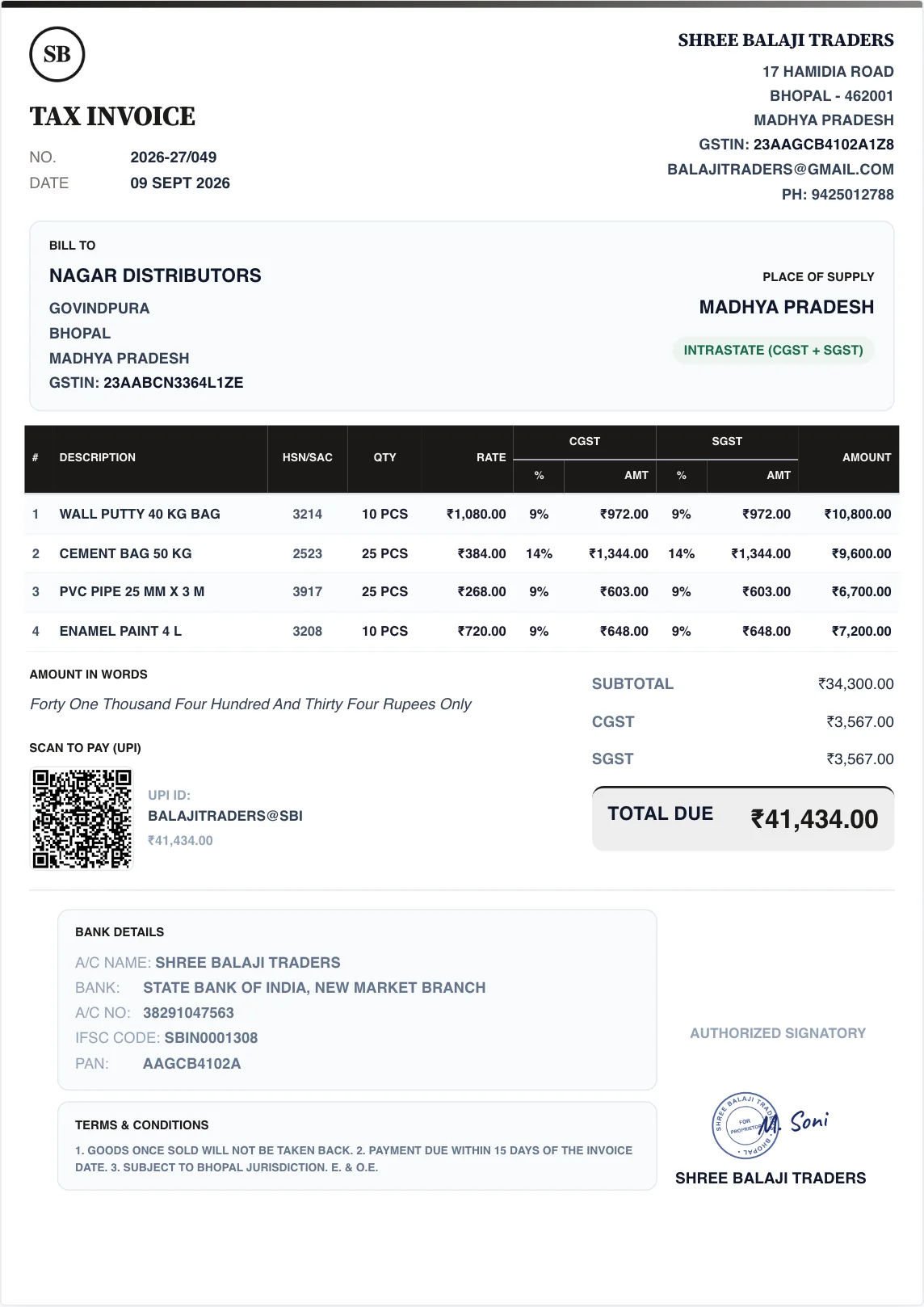
A classic layout with generous white space and sharp, clear typography.
Click any sample bill to view it at full size.
On the go
View and create invoices on your Android phone. Your data stays in your Google Drive, we don't store it on our servers.
The Play Store version arrives in October 2026. Until then, download the APK directly from this page.
This prompt is normal for business software downloaded outside the Play Store. It checks whether you trust the download source.
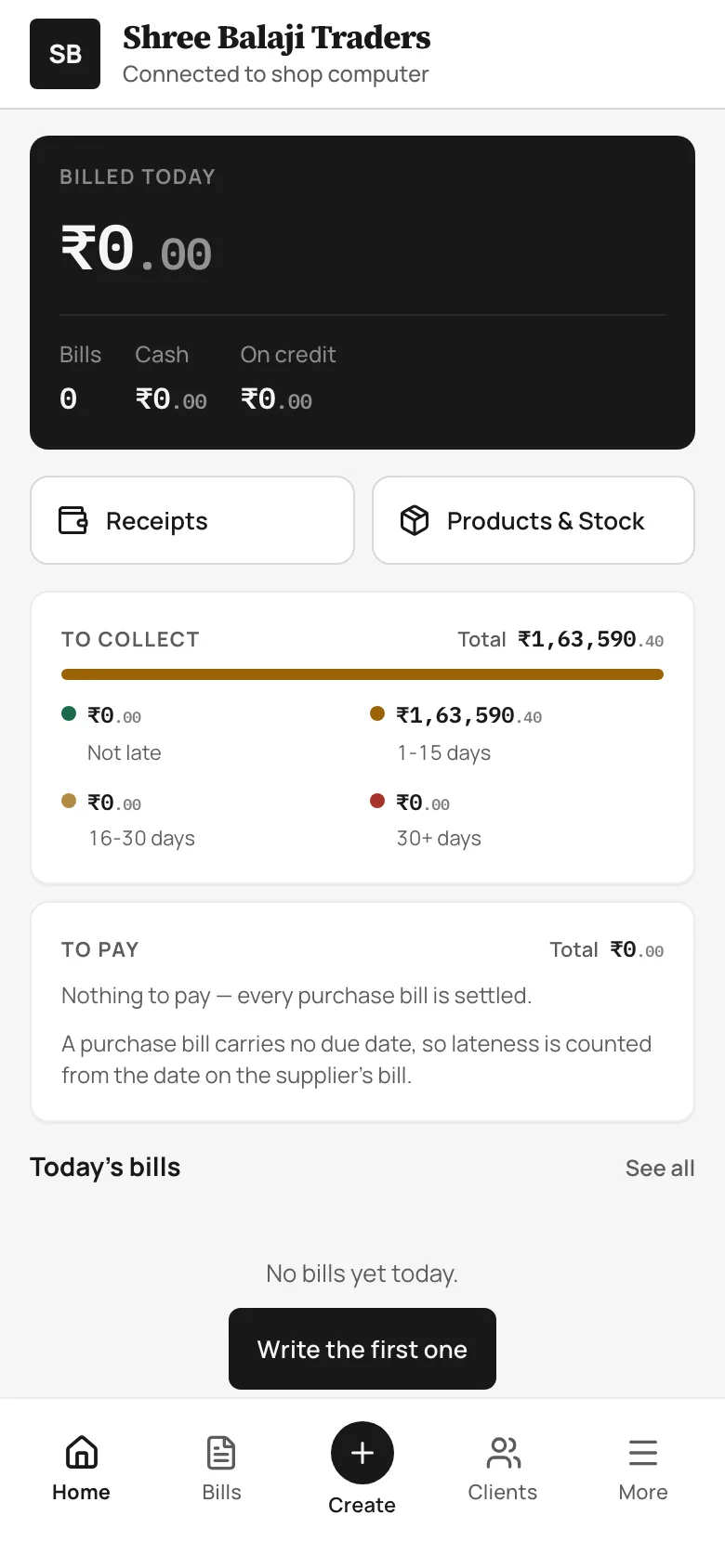
Your Business
In your pocket.
Pricing
Choose the plan that works best for your business.
Start with a full 7-day free trial
₹2,999
Pay once, keep using BillSetu, lifetime updates included.
₹999 / year
All features included.
Why choose BillSetu
Built for businesses who value their data, privacy and freedom.
| Feature | BillSetu | Typical Cloud Billing Software |
|---|---|---|
| Works offline | Yes | No |
| Your data in your Google Drive | Yes | No |
| No server-side business database | Yes | No |
| No business tracking | Yes | No |
| One-time purchase option | Yes | No |
FAQ
Yes on your computer. You can create bills without any internet connection. The phone app needs internet because it reads your books through Google Drive.
Your books stay on your computer as a local file. If you turn on Google sync, they also stay in your own Google Drive. We never store them on our servers.
It can access only one hidden folder created for BillSetu in your Google Drive, and nothing else. In offline mode, it does not connect to Google at all. Read our Google Drive policy details
No. The software has no analytics, no telemetry, and no business tracking. Your sales and customer records never reach us.
The Rs 2,999 plan gives you a permanent licence that never runs out. You receive all future software updates without paying any annual maintenance charge.
The annual plan costs Rs 999 for 365 days of full use. After that date it turns read-only so you can still view and print bills, and it never renews automatically.
It handles GST invoices, credit and debit notes, and prepares GSTR-1 and GSTR-3B summary files that you upload yourself on the government GST portal.
There are no refunds after purchase because the 7-day free trial lets you test everything first. Support is free on yearly plans or about Rs 300 per issue on one-time plans, via radharamangd@gmail.com or WhatsApp at +91 78040 19437.
Get started today
Try every feature free for 7 days. No credit card or account registration required.